Feature

Track professional deliveries through to handover.

→

Ready orders, delivery rounds, delivery notes and handover confirmation: shared information for the people who need it.

The round, order by order

The driver gets the list. Each handover has a status.

The driver’s list brings together orders to deliver: customer, products, quantities, instructions and each order’s status. The driver confirms handover in the application; the team sees progress and the customer receives an automatic update.

The summary gives overall quantities; the detail retains each order’s status. Product totals complement the checks on preparation, packing and handover for each customer.

See how it works →
Actual demo delivery list with separate orders and statuses
Actual demo screen · Fictional data · French interface.

Organise rounds from your orders

Orders awaiting handover feed the delivery workflow. Drivers find customers and information relevant to their rounds without access to negotiated prices. Preparation and delivery stay connected to the same order.

Confirm what was handed over

Moving an order from “out for delivery” to “delivered” makes its progress visible to the team. A note or photo can supplement handover where needed. Staff no longer need to reconstruct the working day from separate calls and messages.

Fit handover to your business

A bakery organises morning rounds; a wine estate may offer cellar collection or delivery. Methods and slots are defined during setup. Carrier connections, shipping-label printing and external tracking services are integrations to assess separately.

Keep people informed without calling everyone

Order emails follow events according to enabled rules. Messaging notifications can be connected according to your plan and configuration. A WhatsApp event notification does not mean every WhatsApp conversation is automatically converted into an order.

Keep accounting in its own role

Delivery notes accompany handover without exposing prices and discounts to operational staff. Accounting then invoices under each customer’s agreement. ArtisFlow follows the order workflow; automatic route optimisation or a connection to your accounting software requires an integration assessment.

One handover, three audiences

Everyone knows the order’s progress.

The driver
Reviews assigned handovers and records completion, with a note or photo where needed.
The administrator
Sees progress in the shared workflow and decides what to do if a handover fails.
The customer
Reviews the order and receives emails for enabled events. Messengers are connected according to the plan and setup.

What if the recipient is absent?

The driver alerts the manager and records useful details. An unsuccessful handover must not be treated as a successful receipt. Agree your redelivery or return procedure before launch.

Bring your mobile connectivity constraints to the demo too. Offline operation, signatures and GPS tracking are not commitments included by default.
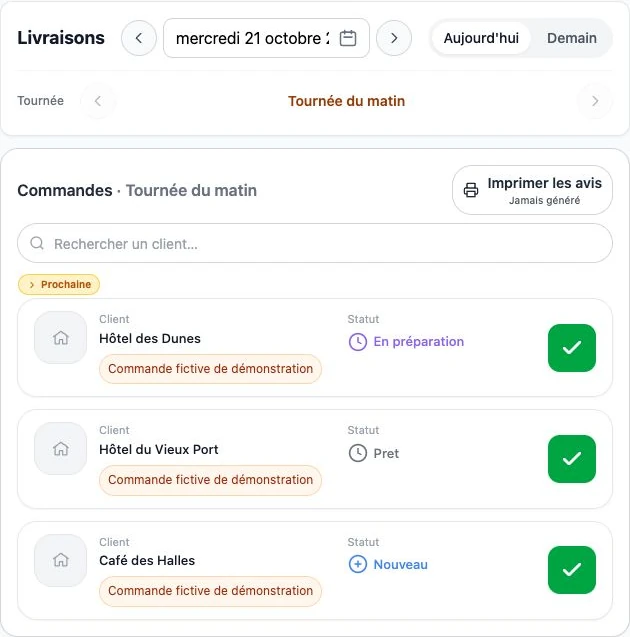
Actual ArtisFlow demo screenshot — Track professional deliveries through to handover.
ArtisFlow bakery demo workflow · Fictional data · French interface.

Setup and responsibilities →

Explore the workflow for your industry, then compare plans.

Industries →Plans →

The order stays visible as teams change

Who ordered? What happens next? Everyone stays in the loop.

One customer, several users

The owner, reception staff, managers and different shifts each have named access. Linked to the same customer, they place and review its orders according to their permissions. The next shift finds what has already been ordered.

Automatic order emails

After an order is created, the customer’s users receive email updates. Edits, cancellation and successful delivery — or dispatch in the enabled workflow — trigger configured notifications. Follow-up does not rely on the person who placed the order.

A detailed history for each order

Who created the order, when and with which products? Who changed a quantity, completed preparation, packed and delivered it? The log retains users, dates, changes and workflow events.

Emails can reach all users linked to the customer, not only the order’s author, according to enabled recipients and preferences. Log access follows each role’s permissions.

Your next step · A demonstration adapted to your trade

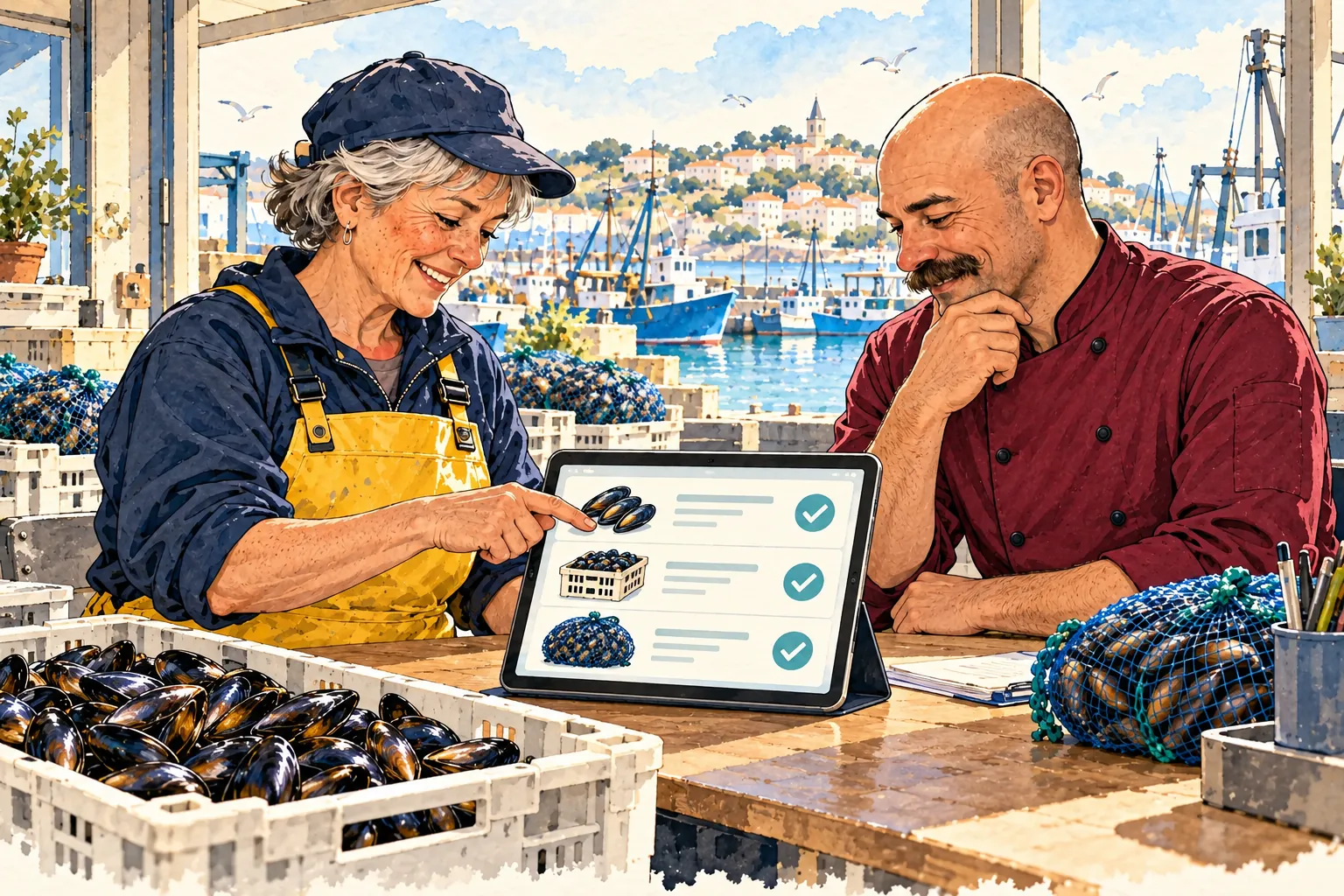
A demonstration for mussel suppliers.
Illustrated scenario · Your catalogue, your team, your workflow.

Start with your working day

Let’s look at your next day of orders.

A demonstration of your workflow, from catalogue to delivery note.

  1. 01Your catalogue
  2. 02Your preparation
  3. 03Your deliveries
Request a demo

14-day trial · Technical administration included