
One clear place to order
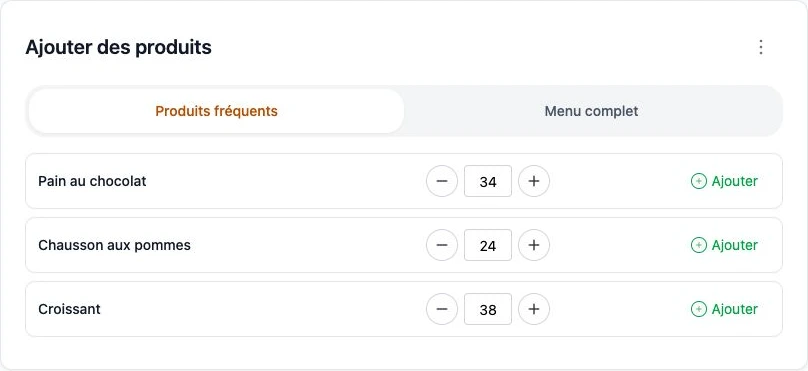
Customers find their catalogue and frequently ordered products in their own ordering space.
ArtisFlow
For producers and suppliers serving professional customers regularly: a portal available 24/7, consolidated quantities and tracked handovers. Orders stay in one place, even after you close.
14-day trial · Technical administration included
Ordering available 24/7
Access by role and company
No prices in the operational chain
The problem
A call during lunch. A message after closing. A change that never reaches the workshop. When orders are scattered, your team spends its time piecing them together.

Illustrated scenario
A call, a WhatsApp message, an email: when every order arrives somewhere different, work stops to make sure nothing gets missed.
Customers find their catalogue and frequently ordered products in their own ordering space.
They create or edit orders 24/7, within the deadlines you set.
Administration, preparation and delivery teams work with the same orders and statuses.
Frequent products · The B2B habit
A hotel comes back to its croissants and bread. A wine merchant to a few wines. For daily ordering, customers first see their regular products: often 3 to 5, rarely more. They adjust quantities instead of browsing your whole catalogue.
of B2B customers return to the same products for their usual orders. A field observation behind the ArtisFlow ordering experience.
Before preparation starts
While customers place orders, ArtisFlow automatically groups requirements by product, unit and round. The baker or warehouse manager views or prints the summary: they know how much to prepare, then how to allocate and pack for each customer. The driver then finds their own list of orders to hand over and confirms each in the application.
The summary gives overall quantities; the detail retains each order’s status. Product totals complement the checks on preparation, packing and handover for each customer.
See how it works →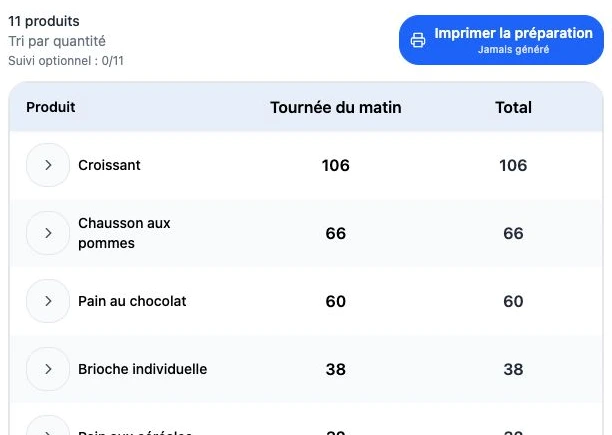
The order stays visible as teams change
The owner, reception staff, managers and different shifts each have named access. Linked to the same customer, they place and review its orders according to their permissions. The next shift finds what has already been ordered.
After an order is created, the customer’s users receive email updates. Edits, cancellation and successful delivery — or dispatch in the enabled workflow — trigger configured notifications. Follow-up does not rely on the person who placed the order.
Who created the order, when and with which products? Who changed a quantity, completed preparation, packed and delivered it? The log retains users, dates, changes and workflow events.
Emails can reach all users linked to the customer, not only the order’s author, according to enabled recipients and preferences. Log access follows each role’s permissions.
Operations without prices
ArtisFlow organises orders without displaying selling prices or customer discounts in the operational chain. Preparation teams and drivers see products and quantities. Your accounts team then invoices from the delivery notes, using your agreed commercial terms.

Industries
Bakeries, wineries, cheesemakers, growers and other food suppliers: each trade has its catalogue, preparation options and handover rules.

From tomorrow’s orders to the morning round.
Demo with actual screens
Explore the workflow ↗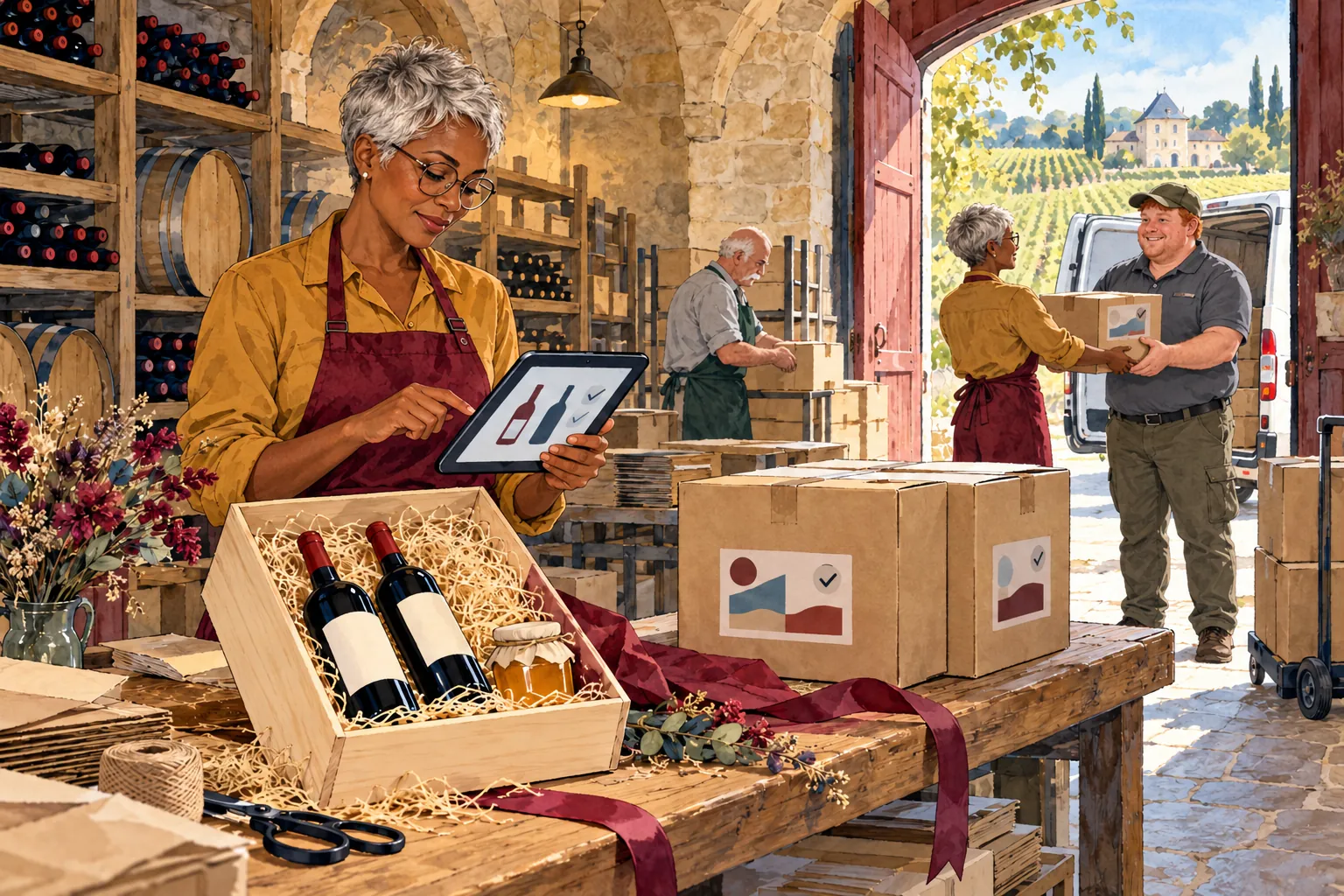
Your wines and estate products, from catalogue to handover.
Demo with actual screens
Explore the workflow ↗
From chefs’ orders to cheese packed for each customer.
Demo with actual screens
Explore the workflow ↗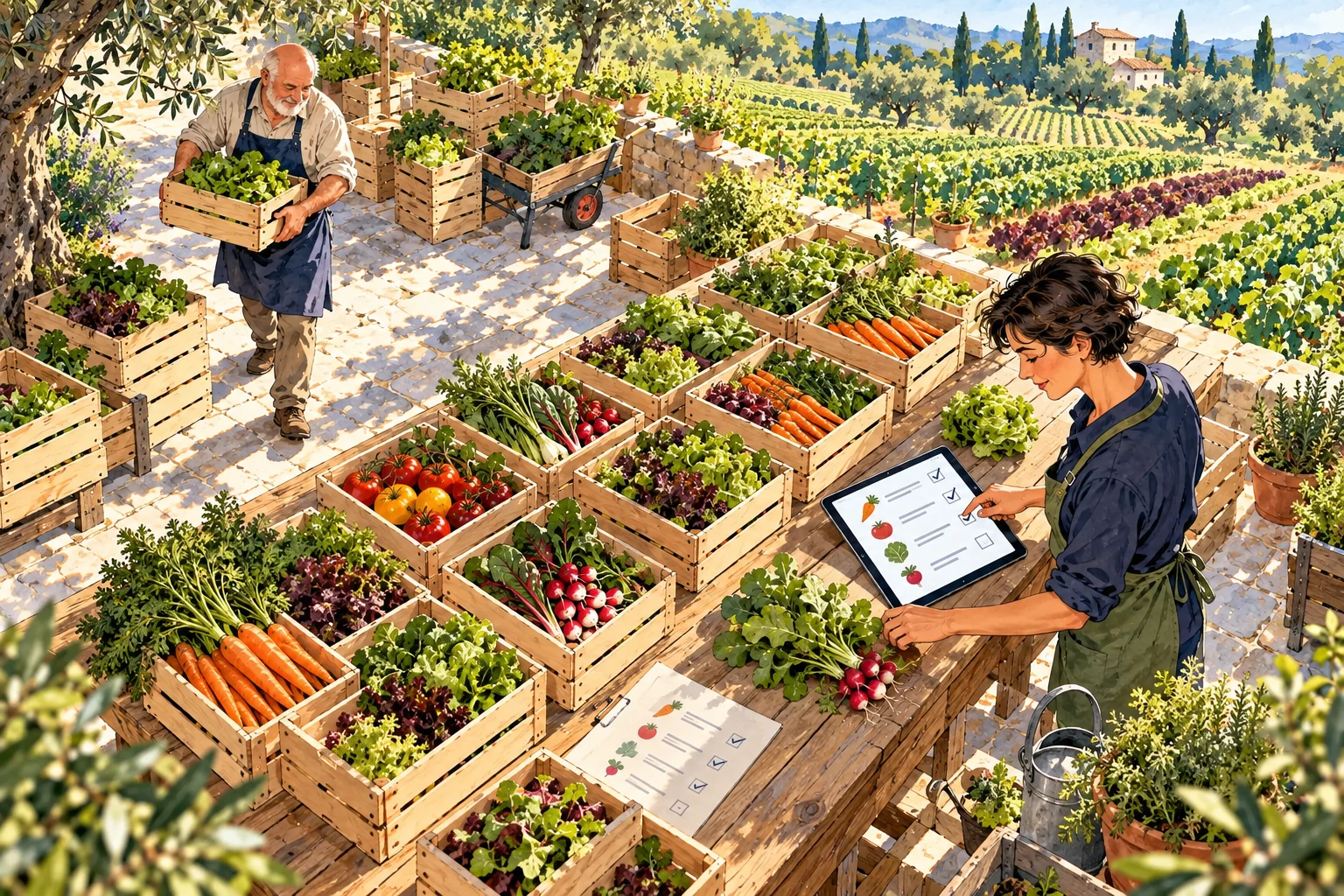
From restaurant requirements to crates ready for dispatch.
Demo with actual screens
Explore the workflow ↗Logo, colours, wording and documents adapted to your business. Your own domain from Business onwards.
From Business: your ordering website, installable on compatible devices and accessible from the home screen.
Hosting, updates, backups and technical monitoring in every plan.
From first conversation to launch
You do not have to change the whole business at once. We prepare a limited scope, then your team checks a complete order before extending use.
You describe customers, products, cutoffs and handovers. Together we check the workflow and required functions; any adaptations receive a separate quote.
You provide products, units, options and initial customers. We agree data import, roles, document wording and the connections included in your plan.
An administrator, a preparer and a few customers check ordering, edits, packing and the delivery note. We agree when the 14-day trial opens.
FAQ
No. They can use the portal in a browser on a phone, tablet or computer. Installing the PWA application is an option on compatible devices.
Your team retains a process for recording requests in the same workflow and avoiding duplicates. The portal does not automatically extract every order from WhatsApp or phone calls.
No. ArtisFlow organises orders, preparation and delivery. You keep your accounting system and commercial terms. An accounting connection can be assessed as part of an Enterprise project.
To separate operations from commercial terms. Teams handle quantities; accounting invoices from delivery notes according to each customer’s prices and discounts.
Access depends on role and company. Customers access their orders; administrators manage operations; bakers or warehouse managers prepare orders; drivers track their assigned handovers.
Yes, before the deadline set for your organisation. Order history and notifications help track changes.
It is the ordering website installed on the home screen of a compatible device, without going through an app store. Capabilities depend on the device and browser.
During setup we review your product file and options to identify what to import and any adjustments needed.
By confirmed order volume, your own domain needs and the functions you want. A demo helps check the workflow; all plans include a 14-day trial.
Your next step · A demonstration adapted to your trade

Start with your working day
A demonstration of your workflow, from catalogue to delivery note.
14-day trial · Technical administration included